Tutorial – How to Add the Power Agent® Training Schedule to Your Calendar
1. At the top right-hand corner of your Power Agent® Portal, click Calendar.

2. Click "SUBSCRIBE TO CALENDAR"

3. Click Follow Calendar.

4. Enter your name and your POWER AGENT® email (the one you use to login!). Then click Continue.

5. Click Add to Calendar.

6. Select the Calendar you want to add it to. In this example, we're choosing Google!

7. Click Add.

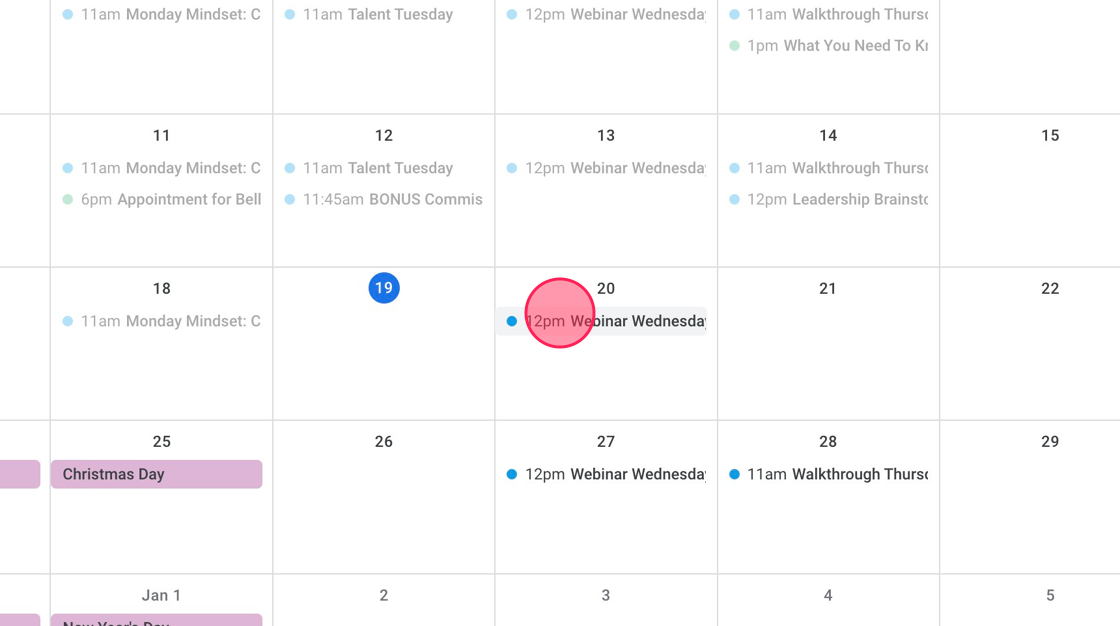
8. To see the upcoming training, click the next Wednesday Webinar to see the details!